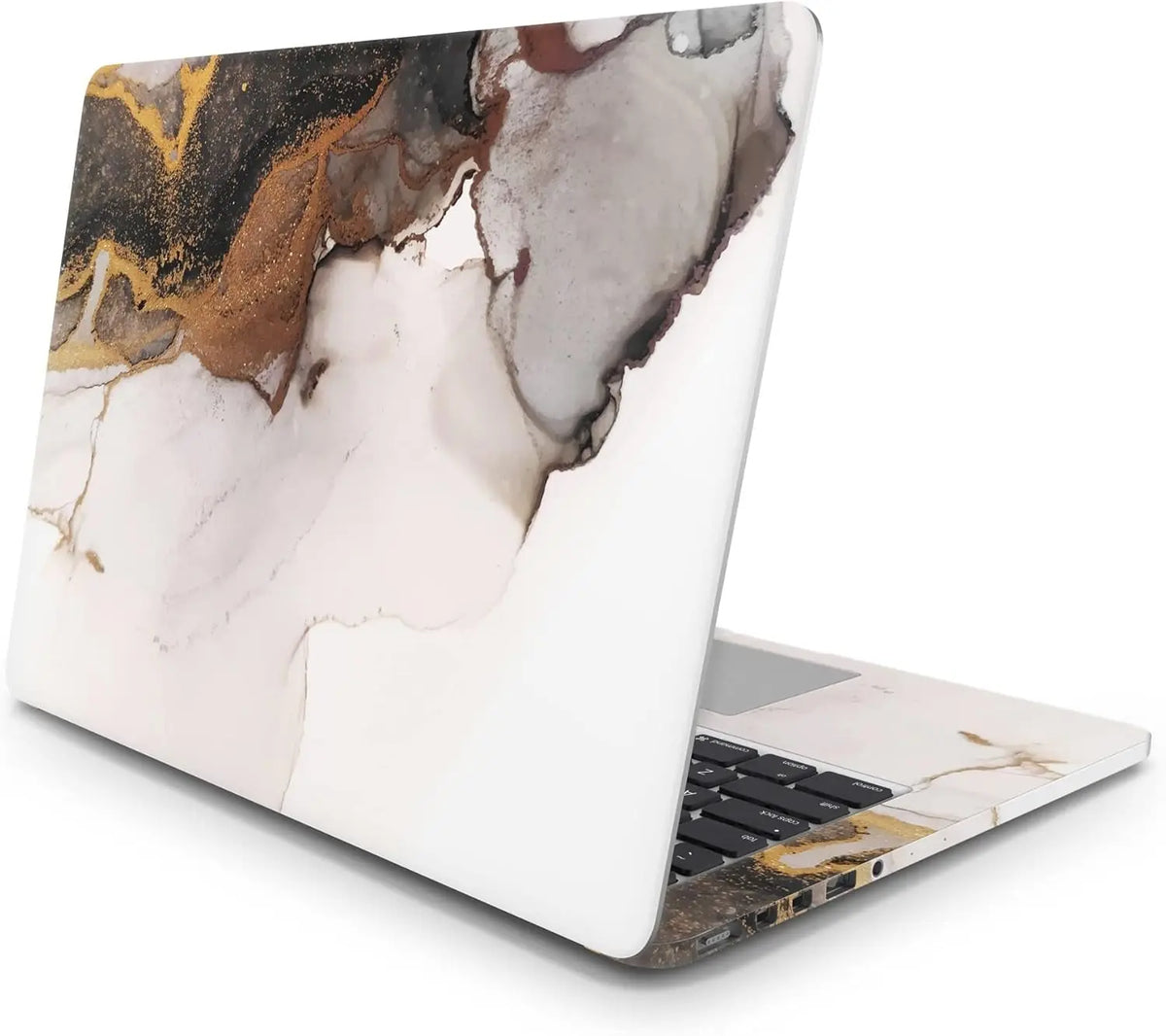

💻 Laptop Sticker Application - How to Apply? | StickerMaster
You got your sticker and you're excited to apply it, but you don't know where to start? Don't worry! Here's our step-by-step guide to applying StickerMaster stickers effortlessly and flawlessly:
✅ Requirements for the Application:
-
Microfiber cloth (or a soft cloth)
-
Credit card or plastic spatula
-
Patience and attention 😌
🪄 5-Step Guide to Applying Stickers
1. Clean the surface.
Thoroughly wipe the laptop surface where you will apply the sticker with an alcohol-based cleaner or a damp cloth. It is very important that the surface is completely dry, dust-free, and oil-free .
2. Plan the Settlement in Advance
Before applying the sticker, place it on your laptop to see how it will look. If you want to center and align it, you can make small pencil marks on all four edges (remember to erase them later).
3. Separate the sticker .
The sticker consists of three layers:
-
Transparent carrier layer on top
-
Design sticker in the middle
-
White protective paper underneath.
First, flip the sticker over and gently remove the white backing paper. The sticker should remain on the clear backing card.
4. Apply slowly.
Align the sticker with the laptop surface and place it in position.
Beginning from one edge, slowly apply the adhesive, pushing out any air bubbles with a credit card or spatula.
5. Remove the carrier
Once the sticker is completely applied, slowly peel off the transparent backing from the corner . The design should now remain on the laptop surface.
Congratulations! Your laptop is now completely yours! ✨
💡 Additional Tips:
-
Don't rush during the application. Slow and careful treatment yields excellent results.
-
If you're applying the sticker in cold weather, you can use a hairdryer to slightly warm the sticker and the surface.
-
If air bubbles remain during application, you can make a very small hole with a needle and remove them.
📷 Share it too!
Did you apply your sticker? Awesome! Share it with us on social media using the tag @bystickermaster , maybe we'll even feature your laptop on our page! 🚀